Turn incoming emails into tickets, keep technicians organised and give customers a clear view of progress. Start with two staff users free forever and unlimited free end users.
Practical additions to the ticketing tools, with company admins in control.
AI troubleshooting pointers
Open a staff-only panel for short possible causes and next steps. Review the sanitised text before sending it to Cloudflare Workers AI. Suggestions stay separate from tickets and customer replies. Daily company and shared platform limits apply.
Emails that look like your company
Company admins can add a public logo, colours and a signature, edit subjects and opening messages, preview templates and send themselves a test. Ticket details, account links and verified sending addresses stay protected.
Automatic email-to-ticket setup
Choose your company subdomain when you register. Your company helpdesk address is provisioned automatically after verification. New senders receive an end-user invitation; existing users receive a ticket link.
A queue that keeps up
New email requests appear in the ticket queue automatically. Open work in separate ticket tabs and return to the queue without a full page refresh or losing an unsent reply.
Admin-controlled notifications and MFA
Company admins choose which optional customer and staff ticket notifications are sent and which staff receive alerts. Authenticator MFA and recovery codes help protect independent company accounts.
Daily company-content backups
Automatic daily backups and 30 days of recovery history help company admins recover selected tickets and service records. These are company-content backups, rather than a complete off-site disaster recovery service.
FROM INBOX TO ANSWER
Your company’s own helpdesk address.
Choose a subdomain when registering. A company called Example could use example.itservicedesk.io, with requests sent to helpdesk@example.itservicedesk.io. These are illustrative addresses.
A customer emails a request to your company’s helpdesk address.
The request becomes an unassigned ticket for your team.
A new sender receives an invitation to set up an end-user account. A registered sender receives a ticket link.
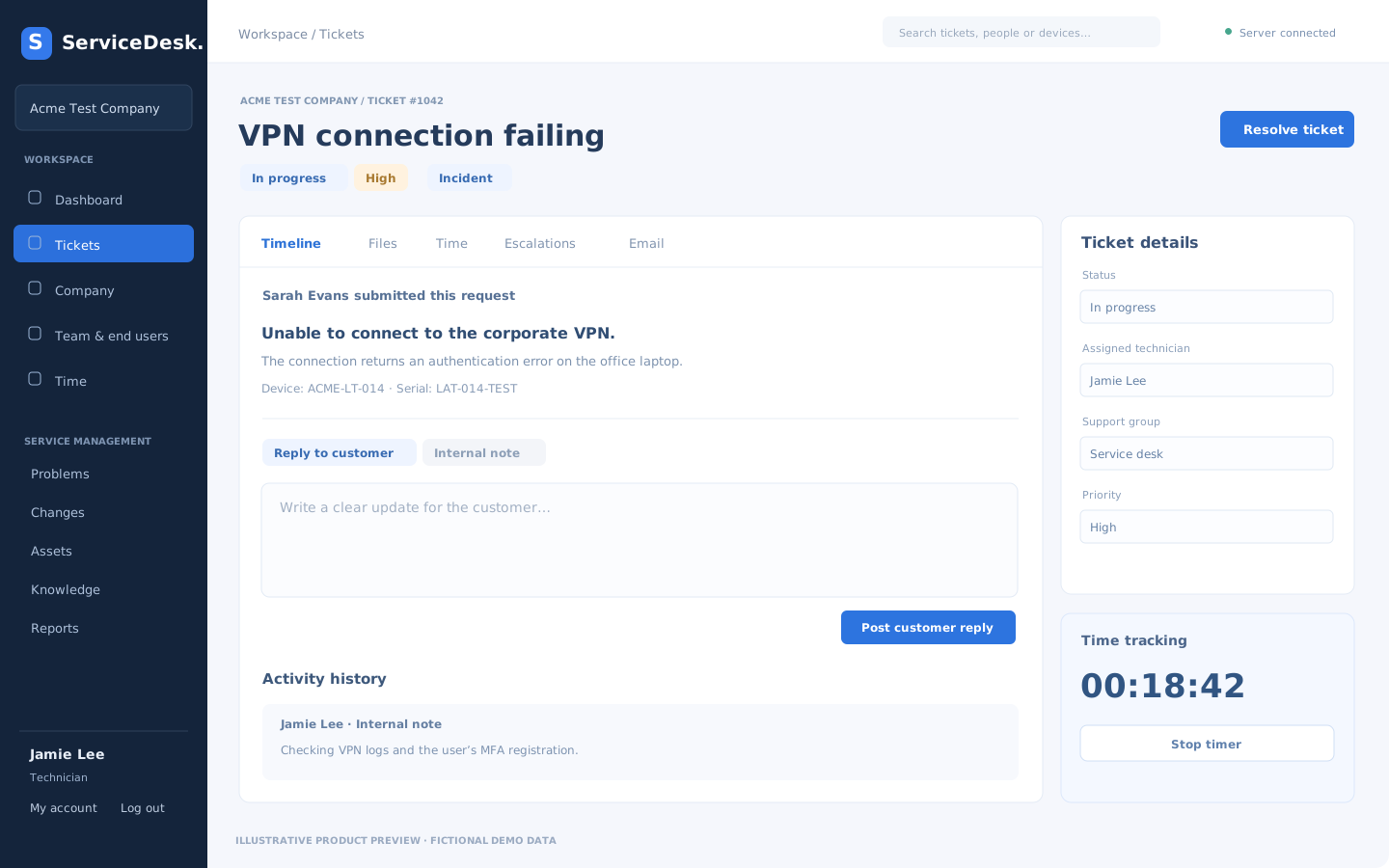
Staff work in ticket tabs; public updates can be emailed back and customer replies update the same request.
Verification can take a few minutes after company registration. Email delivery depends on DNS, provider verification and your company’s notification settings.
Illustrative product view · fictional demo data.
THE SERVICE DESK BASICS, TOGETHER
Keep the context close to the work.
Tickets and saved views
Manage incidents and service requests with priorities, assignment, categories and saved queue filters. Keep public replies separate from internal notes.
Time recording and escalations
Use ticket timers or manual time entries, record handovers and track escalation reasons alongside the work history.
Problems, changes, assets and knowledge
Create service records, link them to tickets and follow their workflow status. Keep useful support context together in your company workspace.
Customer portals and feedback
End users see their own requests. End-user admins coordinate company-wide tickets and reports. Customers can close requests with a reason and a 1–5 support rating.
Your company controls access.
Accounts belong to your company and use independent sign-in. Customers have a focused portal; staff have the technician workspace. The platform owner normally sees company statistics and configuration. Access to private company content requires your company administrator’s permission.
AI assistance is optional to use and can be switched off by a company admin. Staff must review the sanitised text before it goes to Cloudflare Workers AI. Automatic redaction cannot catch every sensitive detail. AI advice may be wrong and needs checking before acting or copying it into a customer reply.
The platform is in early access. Keep independent copies and alternative support processes, and read the pilot terms before using it for important work.